Electricity spot prices on your Wear OS watch.
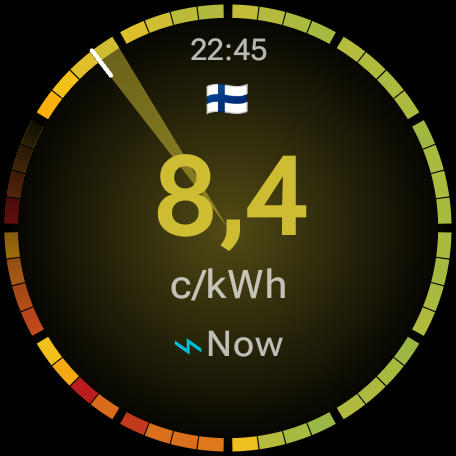
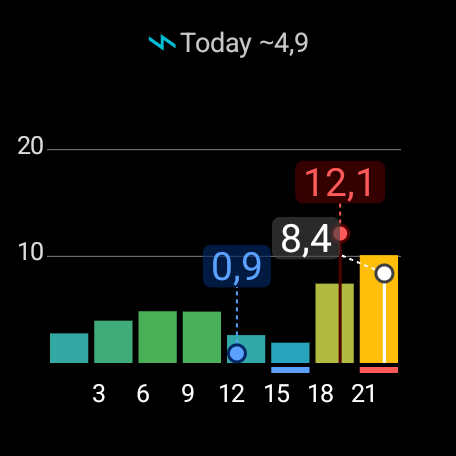
Spot Price Watch shows current and upcoming day-ahead electricity prices from the Nord Pool market, directly on your watch. It supports 15 bidding zones across Finland, Sweden, Norway, Denmark, Estonia, Latvia, and Lithuania.
The app is a personal project and collects no user data. See the privacy policy for details.
Spot Price Watch is in closed testing while Google verifies the app for public release. You can help test it — and get the app early — in three steps:
Opening the Play Store page from a phone browser often fails — it typically opens the Play Store App, which says "not compatible", because the app does not run on a phone, but it does not offer to install on the watch either, unfortunately.
Two workarounds I know of: 1) Use a desktop browser, or 2) Firefox on the phone may also work when requesting the desktop version of the site before opening the Play Store page, although this seems to be less reliable than using a desktop browser.
Please stay enrolled for at least 14 days and you've helped meet Google's closed-testing requirement. Feedback, bugs, ideas: open an issue or email the testers group.